Application Inventory
The Application Inventory is the central hub within WonderSuite where you register, organize, and manage all of your AI applications. Every application that you want to test with WonderBuild or protect with WonderFence starts here.
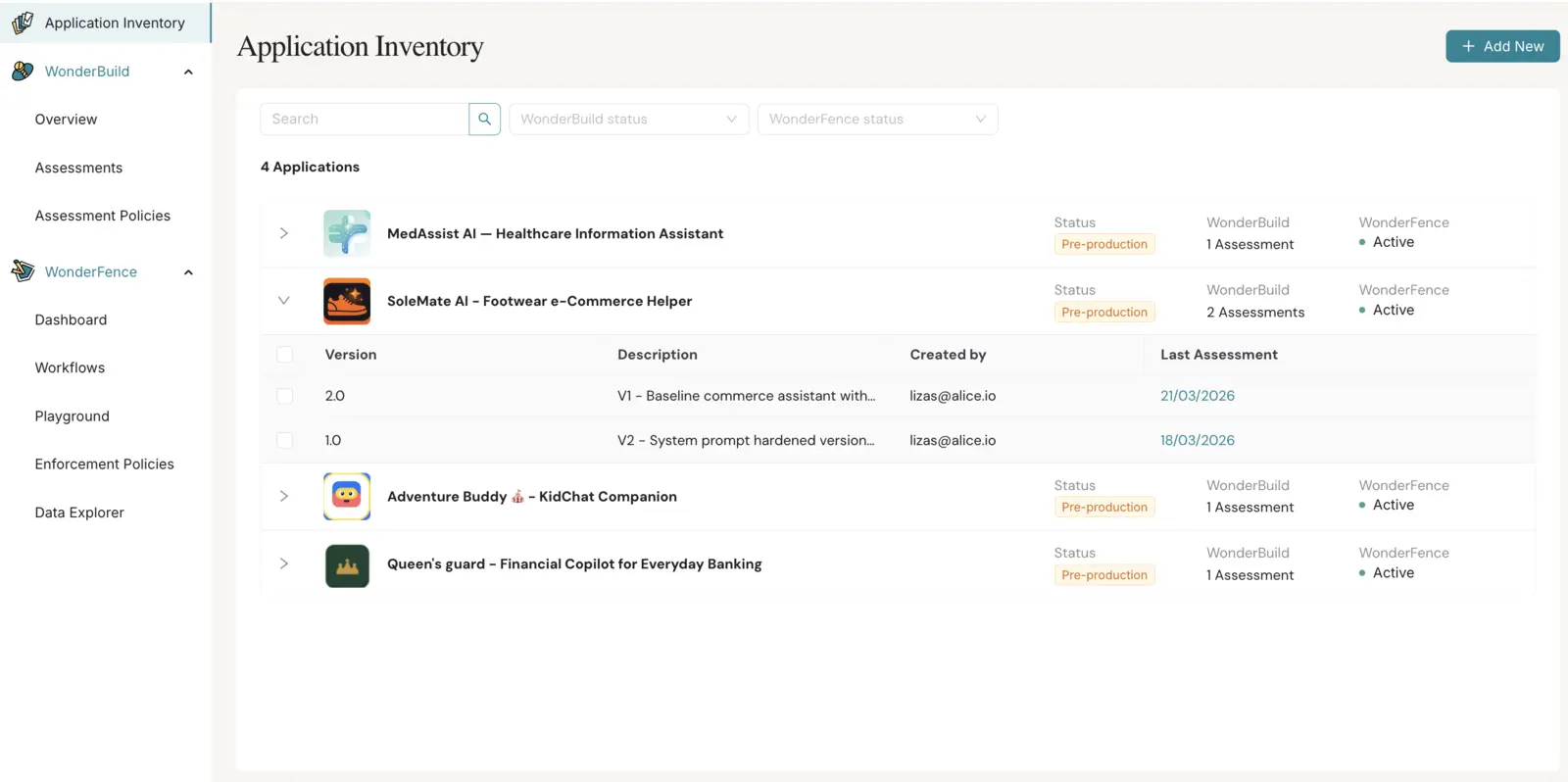
An application in WonderSuite represents a specific AI system — such as a customer support chatbot, an internal knowledge assistant, or a content generation tool. The Application Inventory page lets you register and manage AI applications and versions and specifically enables you to:
- Monitor the total number of applications and versions.
- Search for a specific application using the search bar.
- Filter applications by WonderBuild or WonderFence status.
- See the relevant information for all versions in each application — version number, description, last assessment, and ASR (Attack Success Rate).
- Click a version row to open the Version Details drawer.
- Select two or more versions of the same application and click Compare to open the Version Comparison page.
- Open the actions menu (three dots) on an application or version to add a version, apply policies, edit, archive, or delete it.
Note: Accounts that use group application access see only the applications one of their groups has been given access to — in the inventory and in every application picker (Playground, dashboards, assessment dialogs). The same limit applies to what those pages show about them: dashboard figures, Data Explorer rows, assessment lists and reports, policy application lists, and audit-log entries all cover your own applications only, and a link to one outside your access reports it as unavailable. An application that has not been given to any group stays visible to everyone in the project, including one you have just created. Access is set on the application itself, in the Share with Groups field of the Application Inventory form, or per group under Groups. Account administrators always see every application. If your account does not use this, everyone continues to see every application.