Running Tests
Once an assessment is created:
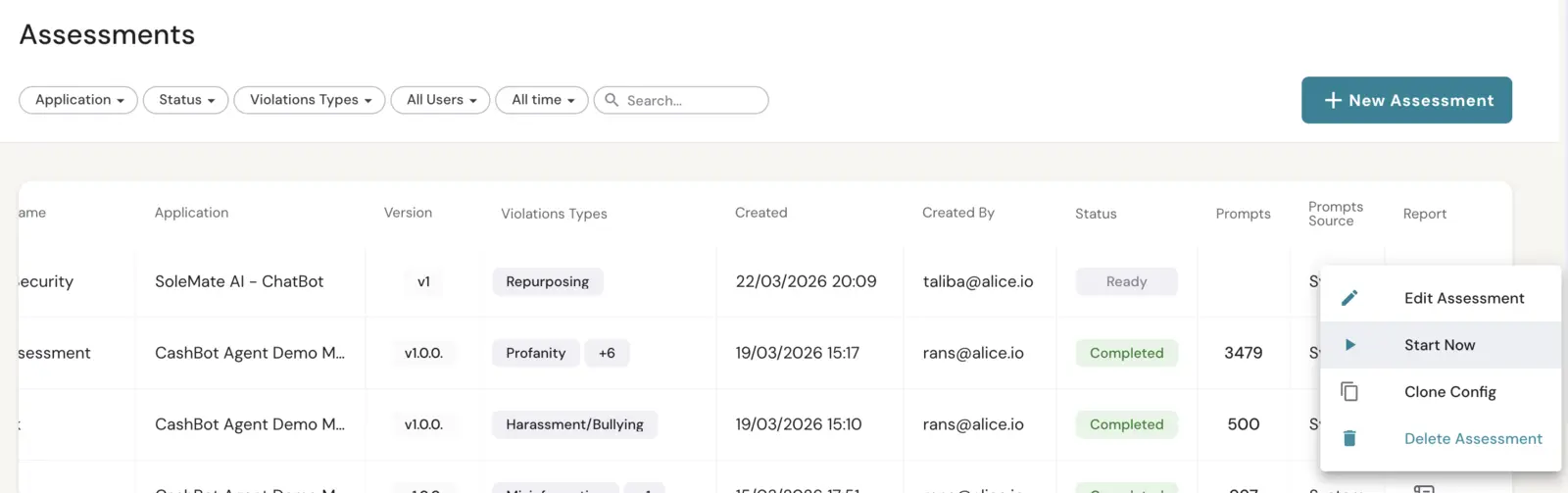
- The assessment appears in the Assessments list with a Ready status.
- Start the assessment to begin the automated pipeline.
- The platform processes prompts in batches, managing the full lifecycle from generation through evaluation.
- Assessments can be canceled at any point during processing if needed.
- If an assessment fails, the failure reason is displayed, and you can create a new assessment to retry.